We’re refreshing our website so you might notice some changes as they go live, but everything you need is still here.

We’re refreshing our website so you might notice some changes as they go live, but everything you need is still here.
Laser marking workstations from Macsa id provide a controlled, enclosed environment for industrial part marking. The iLaserBox range is available in compact benchtop and floor-standing configurations to suit different parts, materials and production requirements.
Use iLaserBox workstations to mark text, serial numbers, batch codes, barcodes, 2D codes and graphics directly onto components. The most suitable configuration depends on your material, part size, laser technology, code requirements and production throughput.
A laser marking workstation brings the laser source, enclosure, work area and controls together in one system. This creates a controlled environment for direct part marking while helping operators load, position and inspect parts efficiently.
The iLaserBox range is designed to support Class 1 laser-safe operation when correctly configured, installed and used according to the supplied instructions. It is suitable for manufacturers that need reliable marking on individual components without integrating a laser directly into a high-speed production line.
iLaserBox systems offer a flexible route to industrial laser marking:
The iLaserBox 450 is a compact benchtop laser marking workstation for small marking applications. It is a practical option where space is limited and operators need straightforward part loading, alignment and static marking.
The iLaserBox 600 is a versatile benchtop workstation for a wider range of materials and applications. Its programmable Z-axis and optional rotary axis make it suitable for parts with different heights and cylindrical components.
The iLaserBox 1000 is a floor-standing laser marking workstation for more demanding static and dynamic industrial applications. Optional X, Y and rotary movements provide additional flexibility for larger, more complex or varied components.
The iLaserBox range can be configured with different laser technologies to suit the material and marking requirement. Fibre lasers are commonly selected for metal and many engineering-plastic applications, while CO2, UV, DPSS and green technologies can be appropriate for other substrates and finishes.
The material alone does not determine the best option. Surface colour, coating, contrast requirements, mark size and production conditions also affect the result. For this reason, Macsa id assesses real samples before recommending the laser and workstation configuration.
Laser marking workstations can support part identification and traceability in sectors such as:
Depending on the application, the workstation can apply product references, serial numbers, Data Matrix codes, QR codes, barcodes, logos or other variable information.
Before choosing a laser marking workstation, consider:
A successful industrial marking solution starts with the application, not only the laser model. Send us a part sample and your marking requirements so our technical team can evaluate the most suitable configuration.
An enclosure is an important part of laser safety, but it is not the only consideration. Correct installation, maintained interlocks, appropriate extraction, operator training and the supplied operating instructions all form part of a safe laser-marking process.
For independent workplace guidance, see the HSE laser safety guidance.
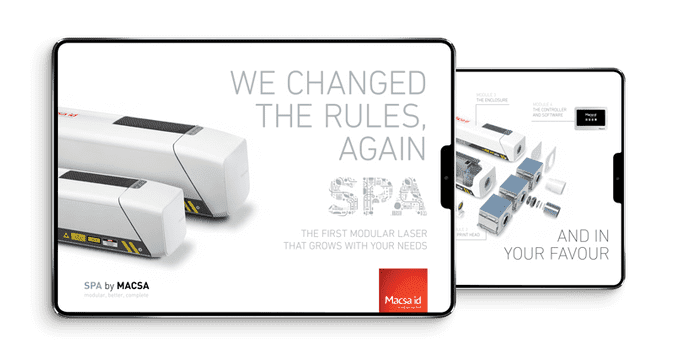
Take away detailed information for our SPA range. If you provide your email address, we’ll send contact details of your personal product advisor for any future questions.
Take away detailed information about our coding, tracing and marking solutions.


